The Commissary-Our first stop after traveling
Coming back home from traveling is always a whirlwind. It seems there is never enough time to unpack, do the laundry and be ready to jump back into the regular routine. One strategy we use to make the adjustment a little easier is to order groceries for pick up for the day we return, even before we leave for our trip.
On the Commissary’s website or app you can order groceries up to a week in advanced. For our longer trips, I set an alarm to remind myself to order the groceries. This helps us avoid having to eat out since we’re usually ready to eat at home after traveling.
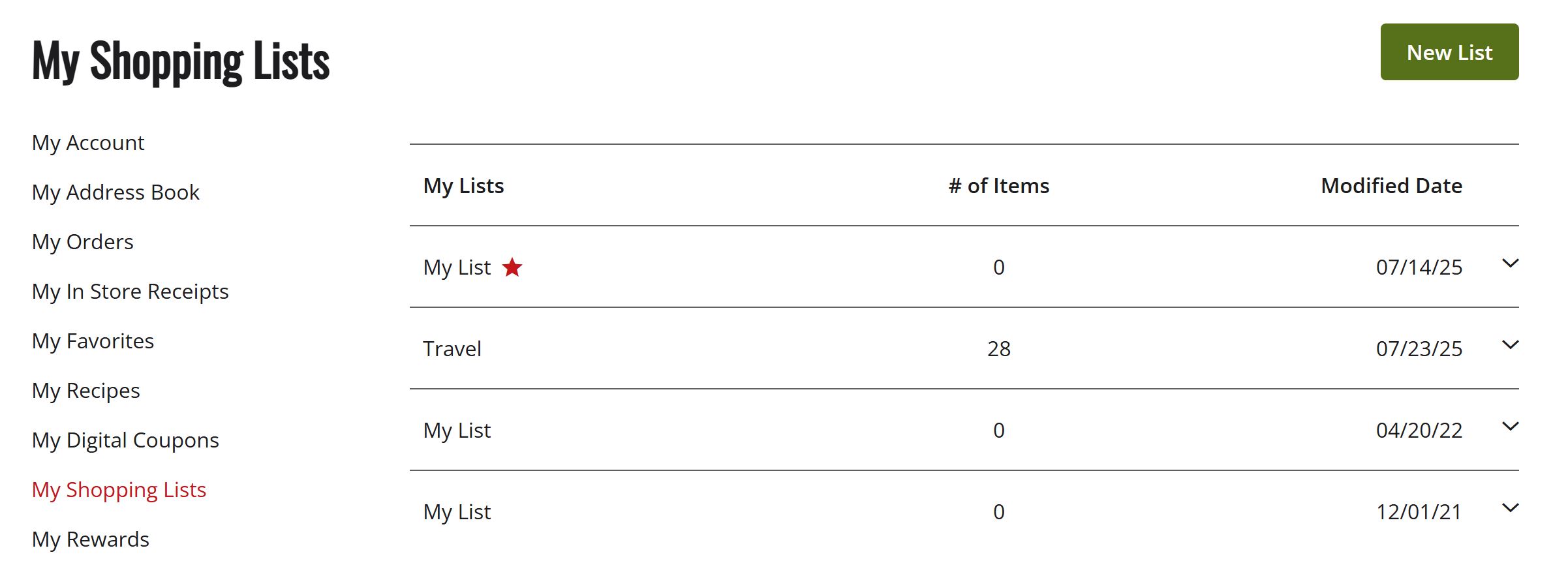
One of my favorite functions of the app is that you can save and label your lists. I created a list just for coming home from trips that includes basics for our family and several days of quick, easy meals. I can order this list for pickup from the Commissary with just one click.
How to Create a list
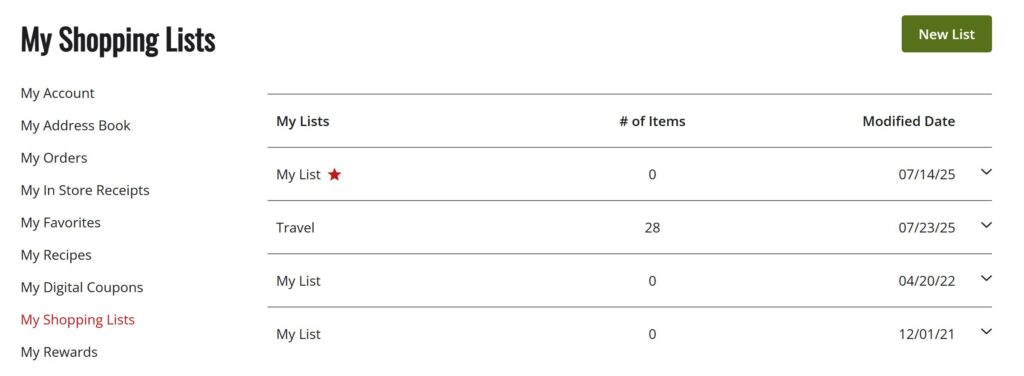
To get started go to the Commissary’s website then, sign into your account. Select my account in the top right corner of the website and you’ll see My Shopping Lists. You can create a new shopping list manually or you can go to My Orders and save a previous order as a shopping list. Doing this in the app is very similar. Once you’re signed in, you select View More in the bottom right of the screen, then you’ll see the same drop down menu as shown above. To reorder your list, you simply open the list and click “reorder full list” or you can edit what you’d like to add to the cart. I’m a huge fan of saving lists for when we are home too. When Michael is deployed I usually just cycle thru four shopping lists to save time and energy on meal planning/grocery shopping. Hopefully, this can save you time too!
Ideas for your list
Breakfast ideas- Frozen waffles, Oatmeal, Eggs, Sausage, Pop Tarts, Muffins
Lunch ideas- Tortillas, Cheese (Quesadillas), Bread, Bacon, Lettuce, Tomato (BLT Sandwich)
Snacks/Basics- Apples, Peanut Butter, String Cheese, Yogurt, Bananas, Carrots, Ranch, Trail Mix, Bread
Dinner ideas- Frozen Lasagna, Breadsticks & Salad, Chicken, Rice & Kevin’s Sauce Pouch, Fajita Steak Mix, 3 Bell Peppers, Onion & Tortillas
FAQ’s
Do we need to tip for grocery pickup?
The groceries are brought out to your car by a paid employee, not a bagger who only works for tips. It’s always up to you but we don’t tip when we pickup our orders and it doesn’t feel like it’s expected.
Can I use EBT or SNAP benefits with a pickup order?
You can! You will just need to select “Pay inside” when you are checking out. Then instead of waiting in your car for your groceries, you’ll need to go into the store to finish the transaction.
Are the prices the same as in the store?
Yes, unlike some delivery apps. The prices online/app are the same as in the store. You can even use your coupons still. Just pay attention to sales dates/coupon expiration dates since they are based on the pickup day, not the order date.